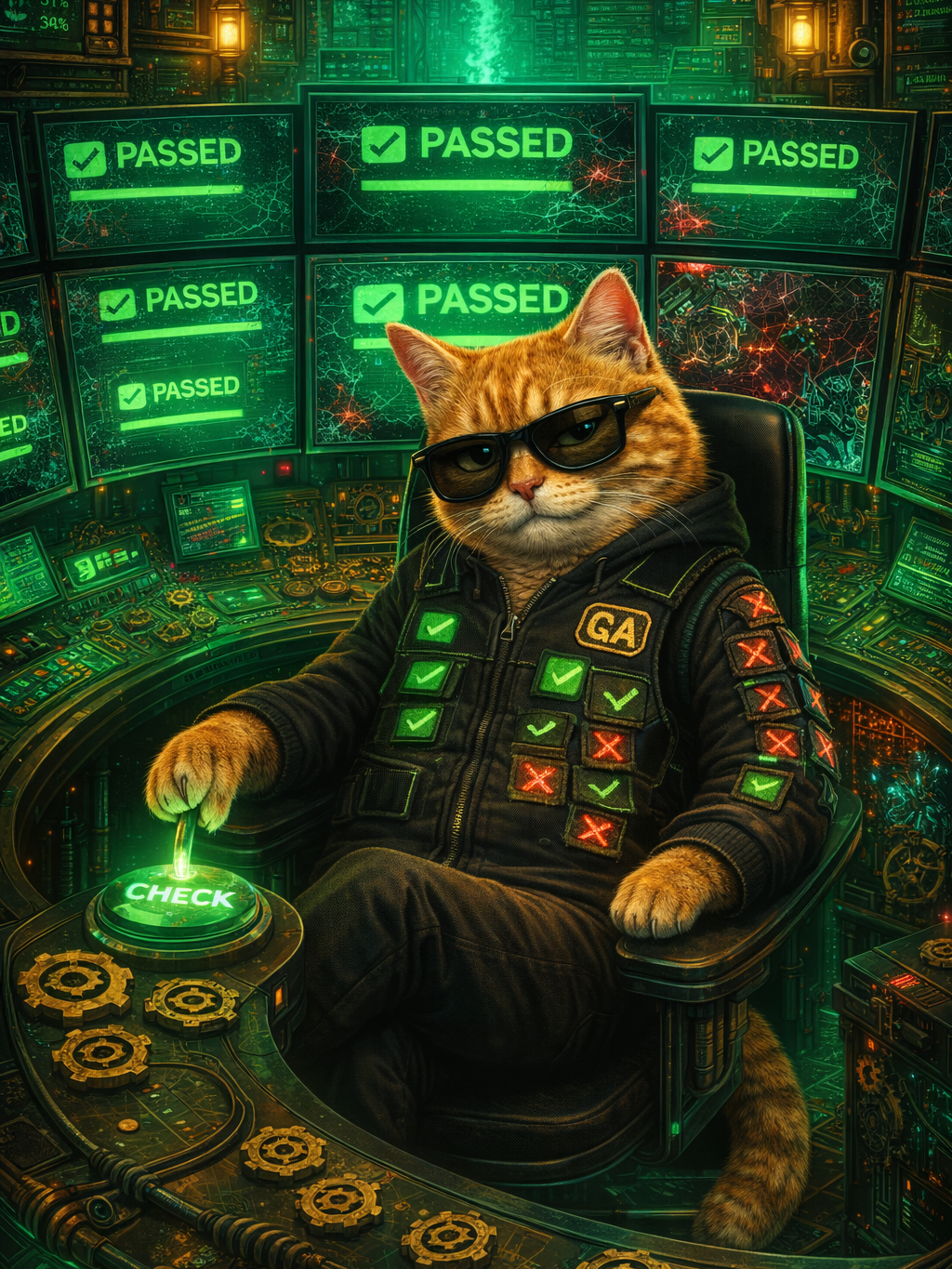
सोमवार की सुबह। तुम Cursor, Claude Code, या Copilot में एक prompt type करते हो। तीन मिनट बाद एक feature तुम्हारे PR में land हो जाता है — वो pull request जो तुम्हारा code main project में merge होने से पहले submit करता है। CI green हो गया। Ticket closed। Dopamine hit। अब तुम 10x developer हो, भाई।
एक हफ्ते बाद, वो feature रात 3 बजे crash करता है। तुम file open करते हो। Bug trace नहीं कर पा रहे। ये code तुमने लिखा ही नहीं था। AI ने लिखा था। और उसने zero breadcrumbs छोड़े। तुम्हें debugger चाहिए। लेकिन अब हर debugger एक जैसा नहीं रहा।
दो Debugging Tools एक ही हफ्ते में आ गए
14 से 16 April के बीच, जब बाकी industry और तेज़ code generators बनाने में लगी थी, दो tools ने finally accept किया कि AI-generated code human-written code से अलग तरीके से टूटता है — और उसे fix करने के लिए अलग tools चाहिए।
14 April को, Cursor 3.1 ने /debug CLI command और background agents दोनों ship किए — background agents जो GitHub issues से automatically PRs बनाते हैं — एक release जो divide के दोनों तरफ खड़ी है। 16 April को, Visual Studio 18.5 ने एक agentic debugger drop किया जो failure hypotheses generate करता है और तुम्हारे लिए breakpoints set करता है। इसी बीच, generation side भी पीछे नहीं रही: Claude Code ने Routines launch किए 14 April को और OpenAI ने Codex update किया 16 April को — 30 लाख weekly users के साथ, desktop computer use और 90+ plugins।
इस हफ्ते का generation-to-debugging ratio: 3:2 (Cursor के background agents generation side में, उसका /debug debugging side में)। Progress कह लो, भेंगे होकर देखो तो।
एक ही शब्द, दो अलग Philosophies
Cursor का /debug और Visual Studio का debugger agent — दोनों claim करते हैं कि वो debug करते हैं। लेकिन fundamentally अलग काम करते हैं।
Cursor का /debug तुम्हारा terminal error output पढ़ता है — stack traces, failed assertions, compiler की चीखें — उन्हें तुम्हारी open files और project context से correlate करता है, फिर एक patch generate करता है। अंदर से ये basically better context के साथ re-prompting है। AI error digest करता है, guess करता है क्या टूटा, और replacement code output करता है। Patch काम नहीं आया? Re-prompt करो। वो भी नहीं चला? Function delete करो और scratch से regenerate करो। Workflow speed के लिए optimize है: error → patch → ship। तुम्हारा काम output evaluate करना है, path समझना नहीं।
ये एक legitimate design choice है। उसी Cursor 3.1 release में background agents — cloud sandboxes में run होते हैं, GitHub issues को बिना किसी human intervention के PRs में बदलते हैं — product philosophy बिल्कुल clear कर देते हैं। Code disposable है, output matters करता है, iteration सस्ती है। /debug उस worldview के साथ consistent है। टूटे code को समझो मत। Working code से replace करो। आगे बढ़ो।
Visual Studio का agentic debugger उल्टा bet लगाता है। जब तुम bug describe करते हो या exception paste करते हो, agent fix generate नहीं करता। वो hypotheses generate करता है — ranked explanations कि failure क्यों हुई। फिर वो तुम्हारा code instrument करता है: conditional breakpoints set करता है उन locations पर जहां हर hypothesis predict करती है कि fault है, suspect variables पर watch expressions configure करता है, और actual execution path step by step walk कराता है।
Microsoft के announcement के अनुसार agent "relevant code, recent changes, और common error patterns" evaluate करके hypothesis list बनाता है। Debugger फिर जिसे वो investigation loop कहते हैं उसमें enter होता है: breakpoint hit करो, state inspect करो, hypothesis confirm या reject करो, अगली पर जाओ। तुम AI-generated code नहीं पढ़ रहे। तुम अपने runtime का actual behavior पढ़ रहे हो, एक AI की guidance में जो search space narrow करता है।
Key mechanical difference: Cursor का /debug text पर operate करता है — source code एक string है जिसे rewrite करना है। Visual Studio का debugger execution पर operate करता है — runtime state evidence है जिसे examine करना है। एक code को document मानता है। दूसरा code को machine मानता है।
ये Distinction Actually क्यों Matter करता है
Null pointer किसी utility function में? तो नहीं करता। Cursor का /debug seconds में patch कर देगा। Visual Studio का debugger overkill होगा।
लेकिन AI-generated bugs usually null pointers नहीं होते। Research बढ़ता जा रहा है — GitClear की code-quality data, multiple academic replications — दिखा रहे हैं कि AI-co-authored code में hand-written code की तुलना में significantly ज़्यादा logic errors और performance issues होती हैं। जो bugs matter करते हैं वो syntax problems नहीं हैं। वो subtle behavioral mismatches हैं: एक API handler जो tests में काम करता है लेकिन concurrent requests पर double-write करता है, एक database query जो छोटे datasets पर सही results देती है लेकिन scale पर O(n²) joins generate करती है, एक state machine जो happy path handle करती है लेकिन retry पर silently data corrupt कर देती है।
ये bugs terminal output में announce नहीं करते। ये slow degradation, intermittent failures, data inconsistencies के रूप में सामने आते हैं जो दिनों बाद surface होती हैं। Cursor के /debug को काम करने के लिए error message चाहिए। क्या feed करोगे जब symptom ये है कि "मंगलवार को checkout revenue 4% गिर गया और किसी को पता नहीं क्यों"?
Visual Studio का hypothesis-driven approach इसे अलग तरीके से handle करता है। तुम symptom describe करते हो। Agent candidate causes propose करता है — शायद payment retry logic double-charge करता है, शायद inventory check cart update के साथ race करता है, शायद discount calculation round करने की जगह truncate करती है। वो हर candidate location पर breakpoints set करता है। तुम scenario reproduce करते हो और execution path देखते हो कि कौन सी hypothesis सही है।
Slow? बेहद। तुम्हें दिमाग लगाना पड़ता है? Unfortunately, हाँ। लेकिन ये इस महीने ship हुआ इकलौता tool है जो debugging को investigation मानता है, generation का एक और round नहीं।
Workflow Split
यहाँ industry fork होती है।
Path A: Cursor का model। Code सस्ता है। Debugging regeneration है। कुछ टूटे तो फेंको और फिर से prompt करो। /debug इस loop को tighter बनाता है। Background agents इसे autonomous बनाते हैं। Logical endpoint: code जिसे कोई कभी पढ़ता ही नहीं — machines generate करती हैं, test करती हैं, deploy करती हैं, और replace करती हैं एक continuous loop में। Developers product managers बन जाते हैं जो intent describe करते हैं और output evaluate करते हैं।
Path B: Visual Studio का model। Code infrastructure है। Debugging comprehension है। कुछ टूटे तो पहले समझो क्यों टूटा, क्योंकि अगर नहीं समझे तो वही structural flaw अगली generation में फिर आएगा। Logical endpoint: developers जो total में कम code समझते हैं लेकिन गहराई से समझते हैं — system behavior के specialists, syntax production के नहीं।
कोई भी path बेवकूफी नहीं है। लेकिन एक ही codebase में दोनों incompatible हैं। जो team regeneration से debug करती है वो कभी institutional knowledge नहीं बनाती कि उनका system actually कैसे behave करता है। जो team investigation से debug करती है वो वक्त खर्च करती है जिसे regeneration-first teams waste कहती हैं।
Guess करो कौन सा Approach जीतता है
Cursor का, obviously। तेज़ है। कम सोचना पड़ता है। Vibe-coding workflow में fit बैठता है जिसे industry ने unanimously अपना लिया है। Delete करो, re-prompt करो, ship करो, repeat। Investigation किसी और का problem है — जब तक production जलता नहीं और "किसी और" तुम खुद हो रात 3 बजे, तीन services को घूर रहे हो जो तीन अलग prompts ने लिखी थीं, और उनका interaction checkout को ले डूब रहा है।
Distributed-system failure से re-prompt करके बाहर नहीं निकल सकते। तुम्हें कोई चाहिए जिसने execution paths map किए हों। और अगर तुम्हारी debugging culture "replace until green" है, तो वो इंसान तुम्हारी team में exist नहीं करता।
Visual Studio का approach बेचना मुश्किल है। "चलो सोचने में help करता हूँ" हमेशा हारता है "चलो fix कर देता हूँ" से — हर demo में, हर tweet में, हर hype cycle में। लेकिन comprehension compound करती है। Regeneration नहीं करती।
Uncomfortable Part
सवाल ये नहीं है कि कौन सा debugger better है। सवाल ये है कि तुम्हारी team ने कौन सी debugging philosophy adopt की है — और क्या ये deliberately चुनी है या बस जो tool तेज़ था उस पर default हो गए।
अगर तुम्हारा stack stateless functions और short-lived services है, तो Cursor का regeneration loop genuinely sufficient हो सकता है। टूटी lambda replace करो। आगे बढ़ो। एक release cycle जीने वाले function को किसी को समझने की ज़रूरत नहीं।
अगर तुम्हारे stack में state है, distributed transactions हैं, behavior जो component interaction से emerge होता है — तो किसी को runtime समझना होगा। Source text नहीं। Runtime। Visual Studio का debugger पहला AI tool है जो acknowledge करता है कि ये job exist करती है।
सोमवार सुबह, तुम एक और prompt type करोगे। कुछ टूटेगा। सवाल ये नहीं कि debug करोगे या नहीं। सवाल ये है कि debugging का मतलब "फिर से generate करो" है या "समझो क्यों टूटा।" सोच-समझकर चुनो। Default regeneration है। और रात 3 बजे, defaults ही सब कुछ होते हैं।